OPML: definition and example
OPML is an XML-based file format for outlines, used by many outliners, feed readers and mind map tools to exchange nested lists of text.
What you need to know
An OPML file holds an outline: topics, their order and their nesting. It does not carry the look of a map, such as colours, shapes or layout. Notes may or may not come through, depending on the app.
When to use it
Use OPML to move text between a mind map and an outliner. It is also a safe format to keep a copy of your content that any compliant app can read. If you need to keep styling, use an .xmind file instead.
How it differs from nearby terms
A Markdown outline is easier to read and edit by hand. OPML is a structured file that apps read more reliably, but you would rarely type one yourself.
In MindmapPal
The OPML to mind map tool opens an OPML file in your browser, and a map can be exported back to OPML. The app opens and exports OPML too. See the OPML guide.
Example
You draft a talk in an outliner and export it as talk.opml. You open that file in a mind map tool, and every level of the outline appears as a branch.
Related terms
- Outline: An outline is a list of items arranged in levels, with each indented item belonging to the item above it, so the whole reads from top to bottom.
- Markdown outline: A Markdown outline is an outline written in Markdown, using headings or indented list items so that each line becomes a topic under the line above it.
- .xmind file: An .xmind file is a mind map document saved in the format of the XMind app, holding the topics, structure, styling and notes of one or more sheets.
- Mind map: A mind map is a diagram that puts one idea in the centre and arranges related ideas around it as branches, with the details of each branch nested under it.
See it in a template
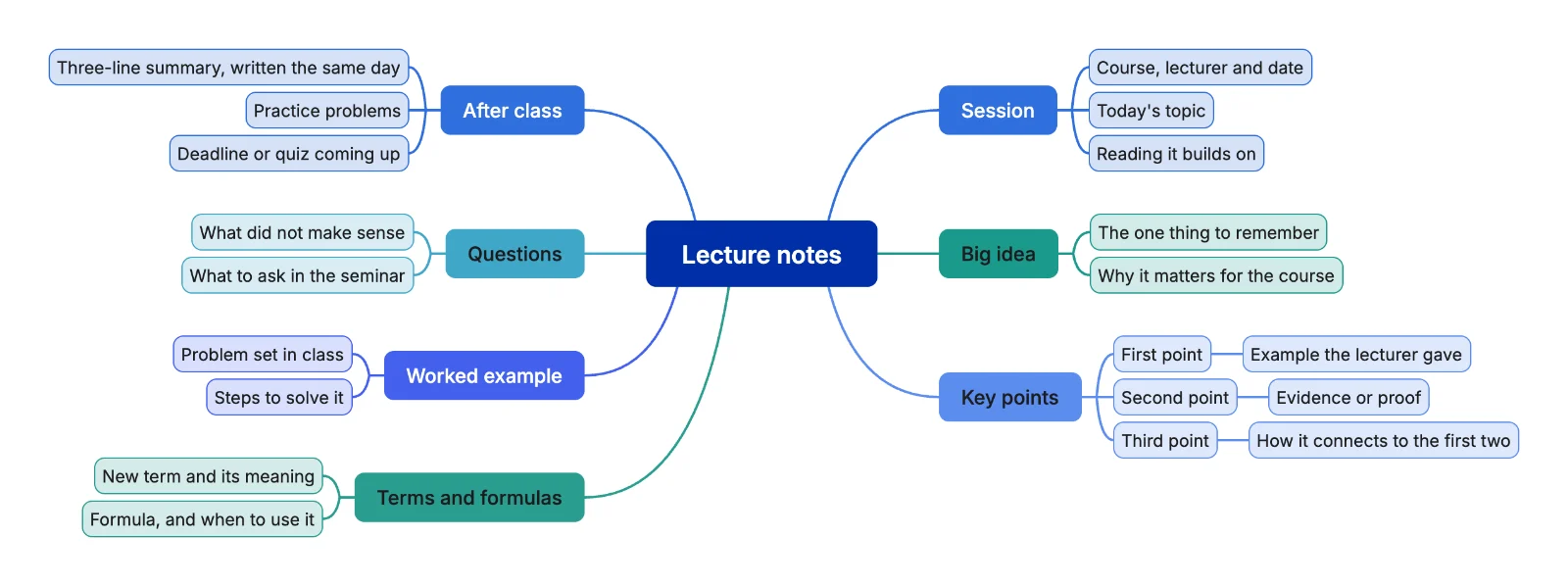 Lecture notes mind map template