XMind file (.xmind): what it is and how to open it
An .xmind file is a mind map document saved in the format of the XMind app, holding the topics, structure, styling and notes of one or more sheets.
What you need to know
An .xmind file is one document that can hold several sheets, each a separate map. It keeps the content and the look, so it is the best format for moving a map between apps that support it.
Opening one
You do not need XMind to read the file. The XMind viewer opens it in your browser, and the files stay on your device. Some files are protected with a password; the tool asks for it.
Converting
Exporting to OPML or a Markdown outline keeps the topics and levels but not the styling. A PNG keeps the picture but not the content as text.
In MindmapPal
The web tools and the app open and export .xmind files. See file format for what carries across, and opening files for the steps.
Example
A colleague sends plan.xmind. You open it in a browser tool, read and edit the branches, then export a new .xmind file or a PNG to share.
Related terms
- Mind map: A mind map is a diagram that puts one idea in the centre and arranges related ideas around it as branches, with the details of each branch nested under it.
- OPML: OPML is an XML-based file format for outlines, used by many outliners, feed readers and mind map tools to exchange nested lists of text.
- Markdown outline: A Markdown outline is an outline written in Markdown, using headings or indented list items so that each line becomes a topic under the line above it.
- Outline: An outline is a list of items arranged in levels, with each indented item belonging to the item above it, so the whole reads from top to bottom.
See it in a template
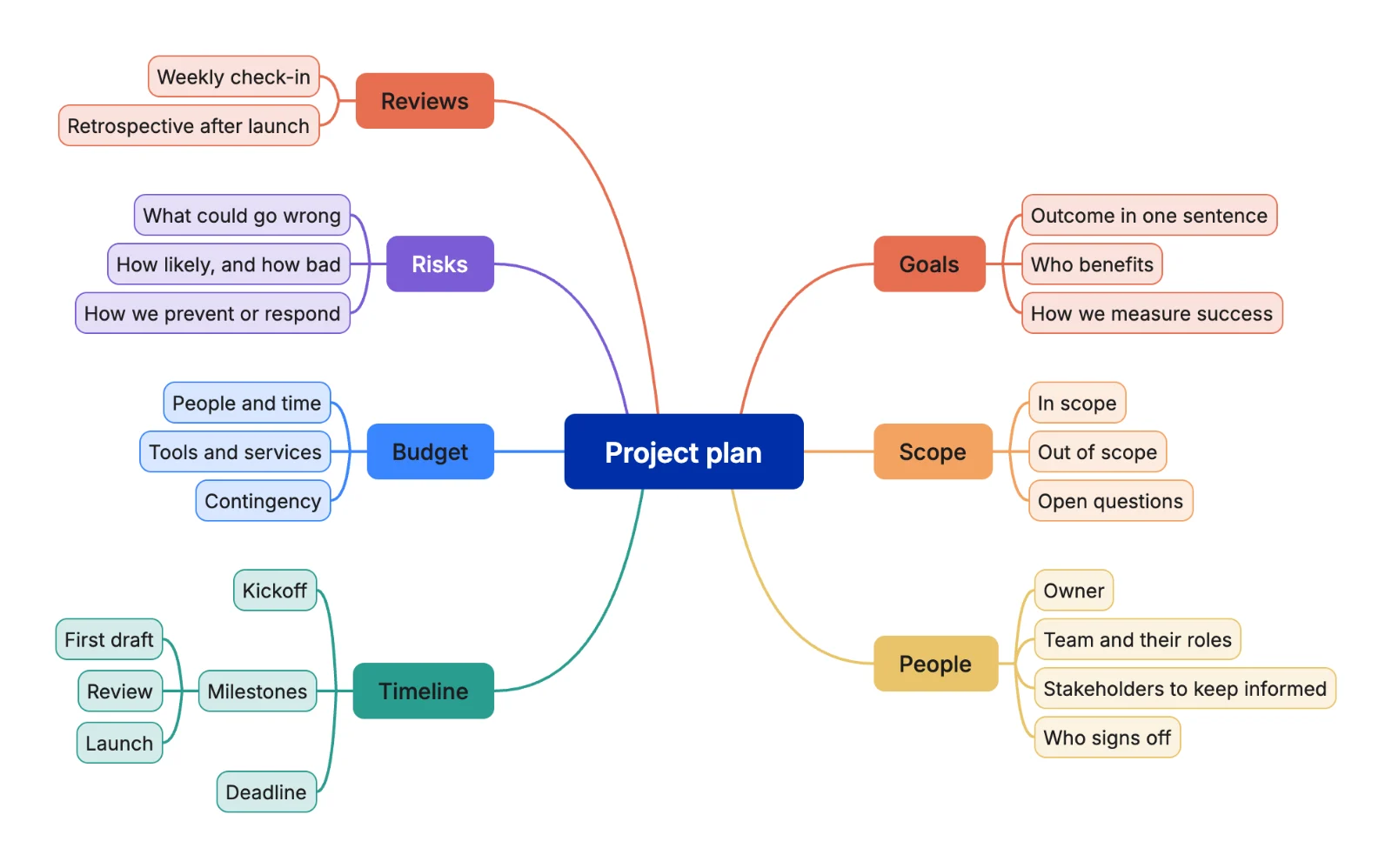 Project plan mind map template